
VPN for your phone and computer
Subscribe in Telegram and connect with an easy-to-use app.
Available locations
Connect to the location that suits you for stable, comfortable internet access. Choose a server right in your app at any time.









- Poland
- Netherlands
- Germany
- Finland
- Russia
- France
- Romania
- Italy
- Singapore
Switch between available locations at any time.
VPN on all your devices
Enjoy a safe and open internet wherever it suits you. Install the VPN on your smartphone, computer, tablet or TV — one subscription works on all supported platforms.
Choose an app
Enjoy a safe and open internet wherever it suits you. Install the VPN on your smartphone, computer, tablet or TV — one subscription works on all supported platforms.
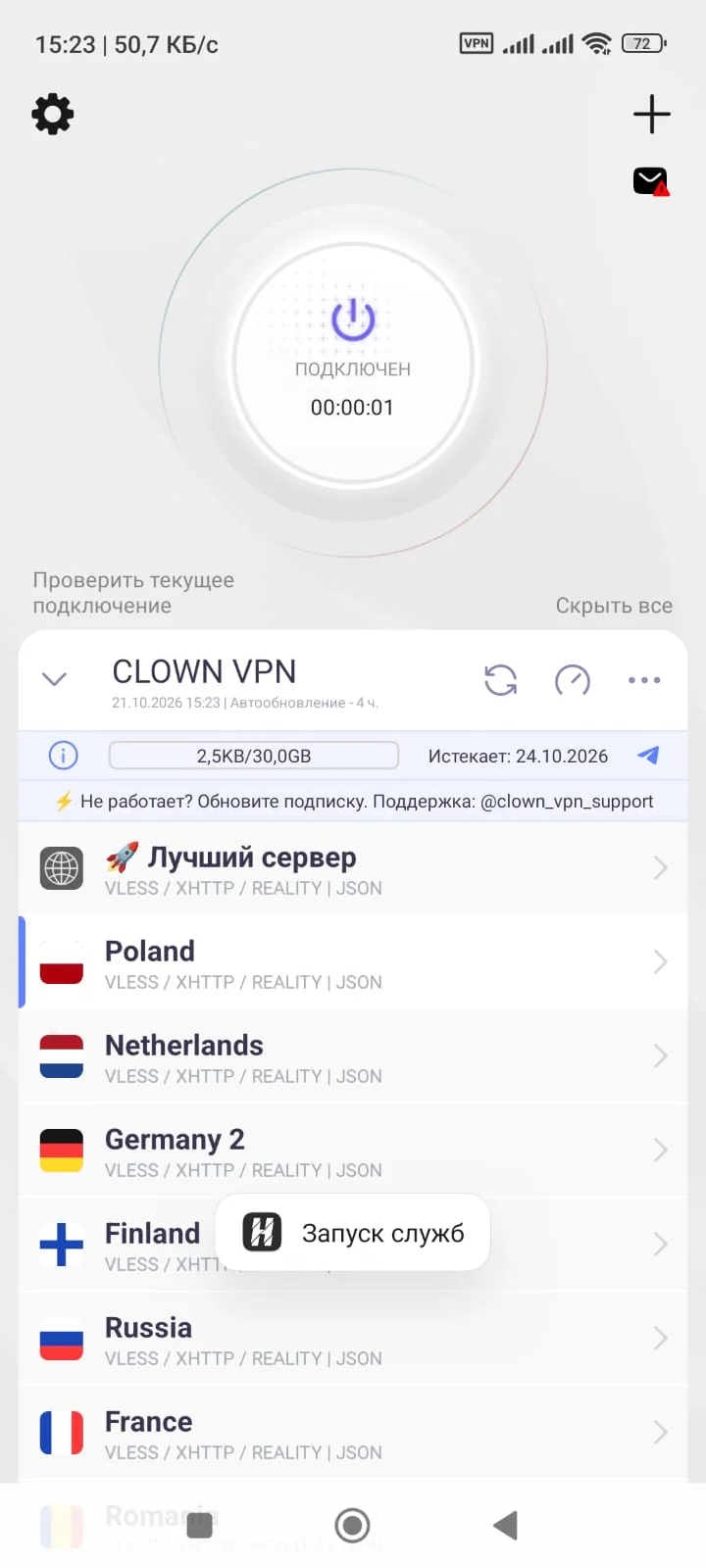
For Android we recommend INCY or Happ. If you have a choice, it’s best to start with INCY.
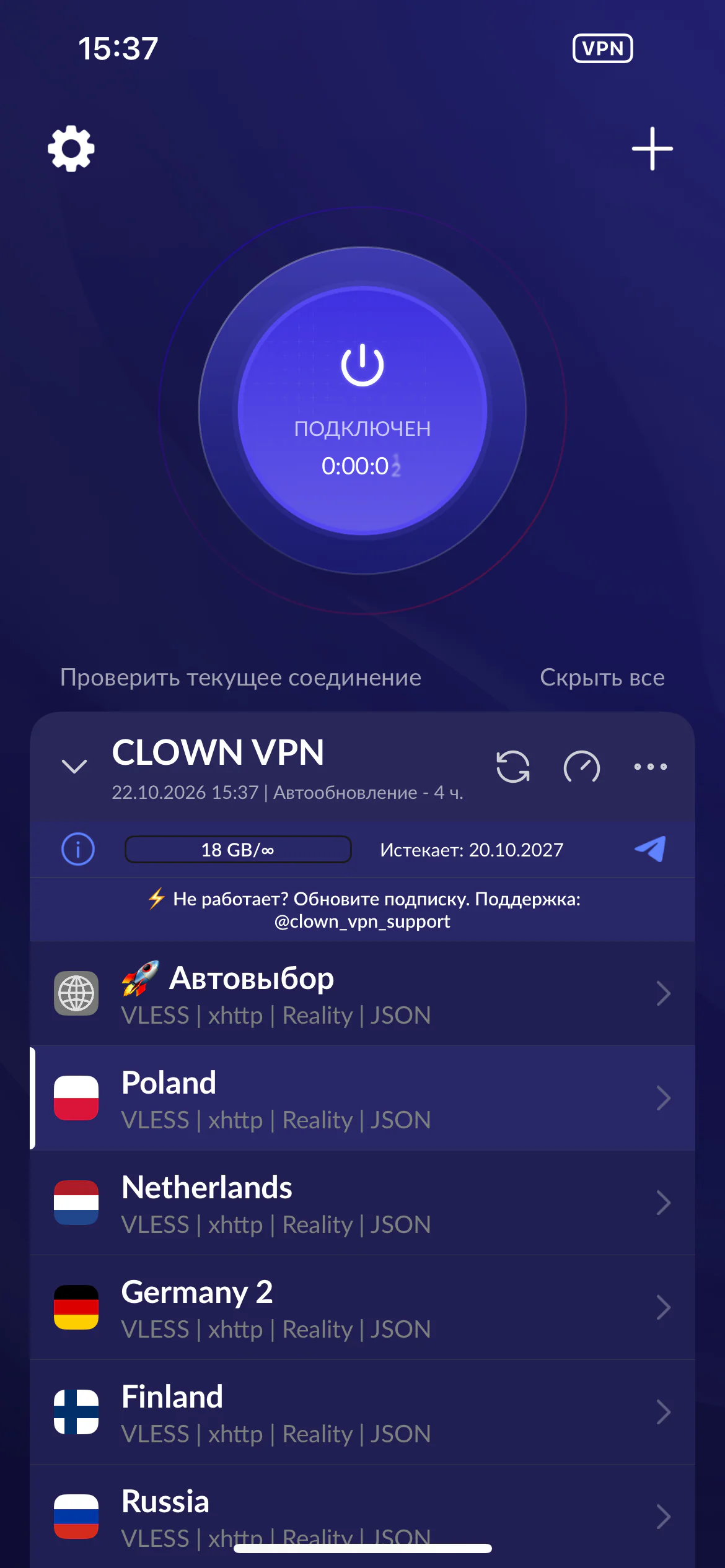
For iPhone we recommend INCY or Happ. If you have a choice, it’s best to start with INCY.
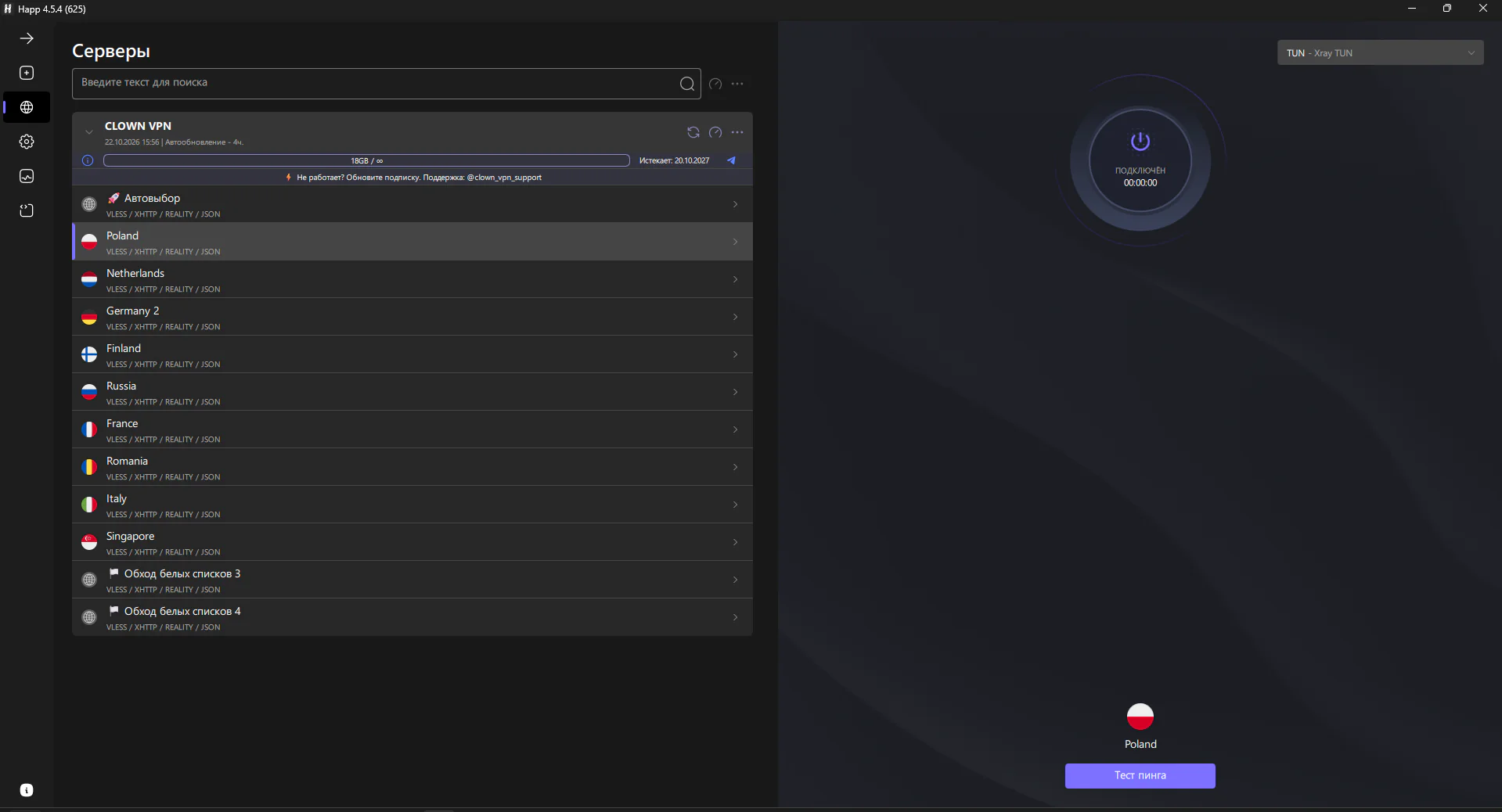
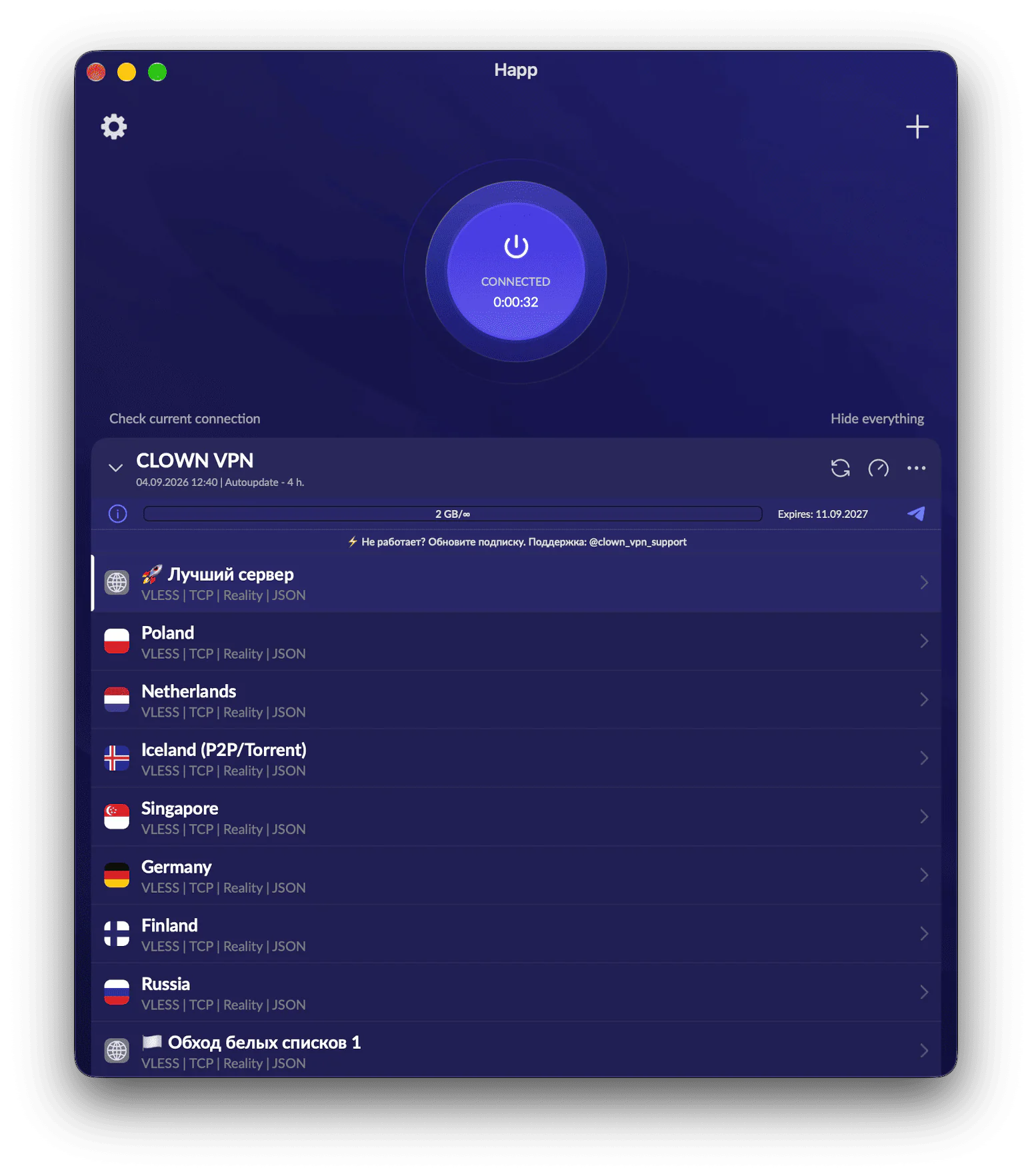
Up to 10 devices on one subscription
Connect personal and home devices to one account. No need to buy a separate subscription for each phone, computer or TV.
Pricing
One plan with all the features — choose the subscription period that suits you.
Subscription terms
- Payment
- SBP (Russia’s Faster Payments System), a Russian bank card, Telegram Stars or cryptocurrency.
- Renewal and cancellation
- A one-time subscription ends at the end of its period — there is nothing to cancel. Auto-renewal is available only for the monthly period and can be turned off in the bot.
- Refunds
- You can request a refund within the first 14 days after your first purchase, if no more than 5 GB has been used. Refunds are not available after a subscription has been renewed.
Frequently asked questions
Answers to questions about the subscription and setup.
Do I need to sign up?
No, you don’t. Just open our Telegram bot and tap the button there or send the /start command.
Can I connect multiple devices?
Yes. One subscription covers up to 10 connections across all supported devices. You can manage them easily in the bot: open «🔑 Мой доступ» (My access), then «Управление устройствами» (Device management) — you’ll see a list of all devices connected to your subscription.
If you accidentally shared your subscription with someone else, you can create a new key. Keep in mind that this disconnects all devices, and you will need to add the subscription again on each of them.
Which protocol is used?
VLESS + Reality. The subscription also includes gRPC and XHTTP transports — if one stops working, you can switch to another without changing your subscription.
What should I do if the connection drops?
First, update the subscription in the app you’re using and check the app store for updates to the app itself. If that doesn’t help, message the support bot and the team will help you sort it out.
Having trouble connecting?
Contact support and tell us your device, app and internet provider or mobile carrier.